
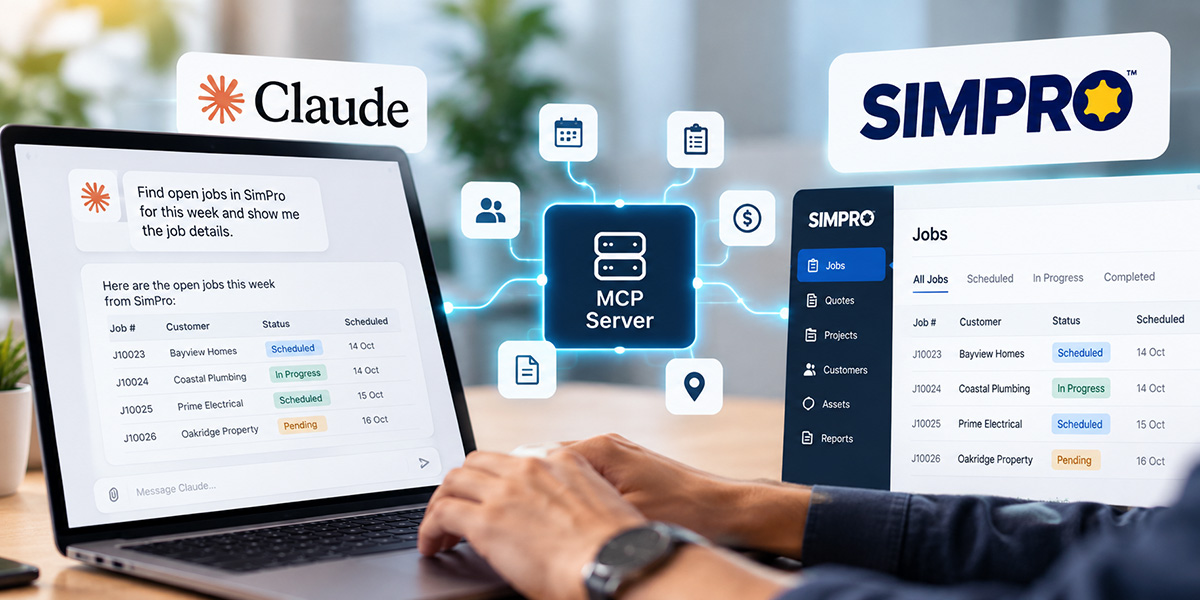
Simpro holds almost everything about a trade or service business: jobs, quotes, customers, schedules, invoices, stock and assets. Until now, getting that data into an AI assistant meant exporting spreadsheets and pasting them in.
We’ve built a Simpro MCP server that changes that. It runs locally on your own Windows or Mac machine, exposes more than 1,000 Simpro API endpoints to Claude, and gives you complete control over what Claude can see and change.
What is a Simpro MCP?
MCP (Model Context Protocol) is the open standard that lets AI assistants like Claude connect to other software. An MCP server acts as a translator: Claude asks for something in plain English, and the server turns that into the right API call.
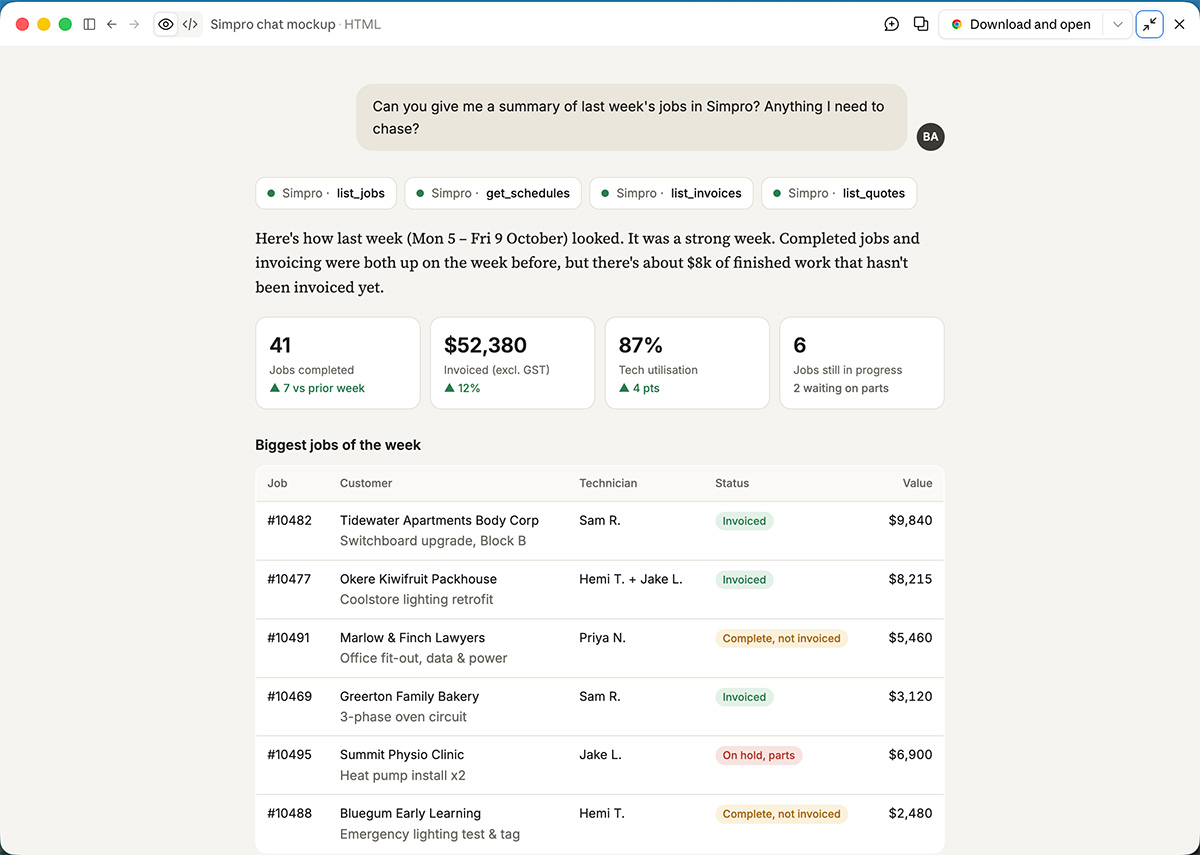
A Simpro MCP does this for Simpro. Ask “which jobs are over budget this month?” or “which quotes haven’t been followed up in two weeks?” and Claude calls the relevant Simpro endpoints directly, using live data from your account.
What we built
Our Simpro MCP, Simpro Switchboard, is a desktop app that sits between Claude Desktop and your Simpro account. Because it runs on your own computer rather than a cloud service, your credentials stay on your machine and calls go directly between you and Simpro.
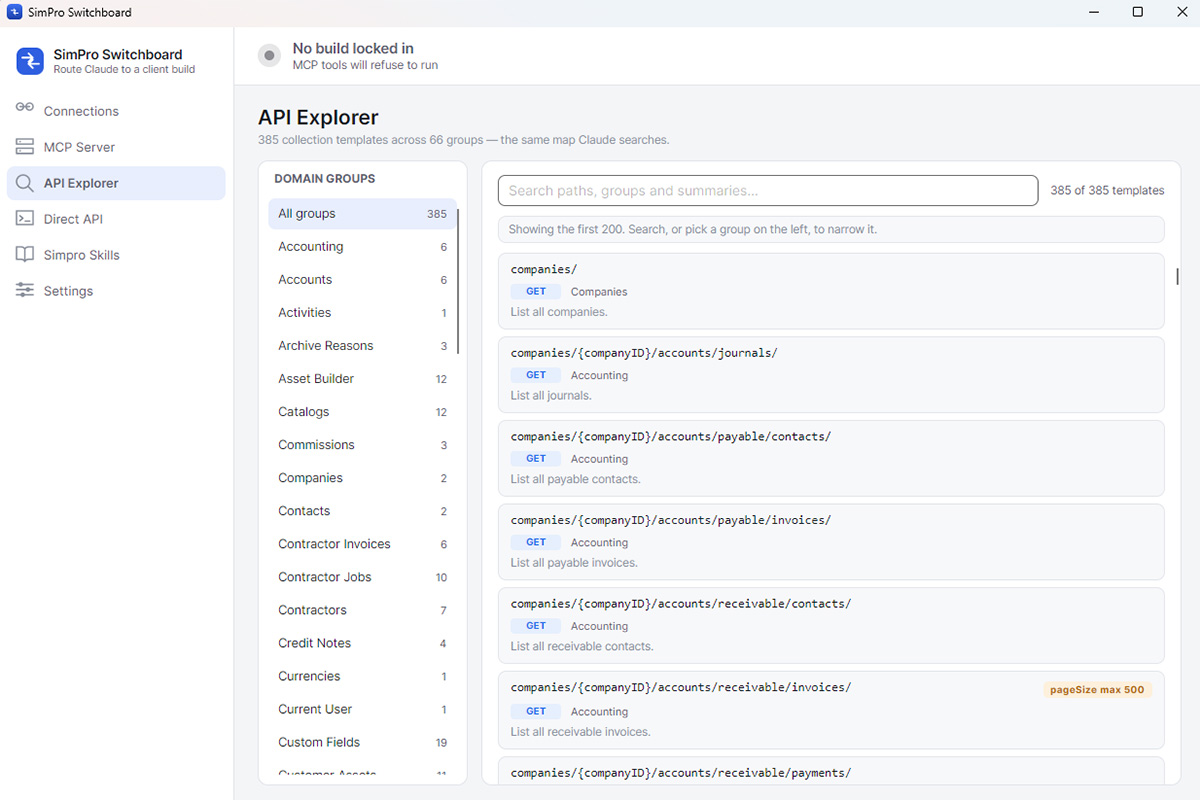
- 1,000+ Simpro API endpoints across 66 domain groups, from accounting and contractors to jobs, quotes and custom fields
- Runs locally on Windows or Mac, listening only on your own machine
- One-click Claude Desktop setup, kept up to date automatically
- A built-in API Explorer to browse and search every endpoint Claude can reach
- Multiple Simpro builds managed from one app, with one locked in at a time
- Simpro skills that capture how your business handles common tasks
Staying in control
Giving AI access to your business system should be a deliberate decision, so every permission is yours to set. You choose which areas Claude can view and which it can edit. Many businesses start with view-only access and switch on editing once they’re comfortable.
- View and edit permissions set by you, area by area
- Adjustable rate limits so Claude never overloads your Simpro account
- Nothing runs without a locked-in build:, if no build is selected, the MCP tools refuse to run
- Credentials removable in one step from the Connections screen
What you'll need
The Simpro MCP connects to your existing account, so you’ll need three things before you start:
- An active Simpro account, with a build at yourbuild.simprosuite.com
- An active Simpro API key or OAuth client credentials from your Simpro admin
- Claude Desktop, installed on Windows or Mac
Getting set up
- Install Simpro Switchboard on the computer you use with Claude Desktop.
- Add your Simpro build with its name and your API key or OAuth credentials.
- Set what Claude can view and edit, and adjust rate limits to suit your account.
- Click Add to Claude Desktop, lock in your build, and start asking questions.
Need help with AI implementation?
Connecting Claude to Simpro is the first step. Getting real value from it means setting permissions for your team, building the skills that match how your business runs, and knowing where AI genuinely saves time. That’s the part we help with.